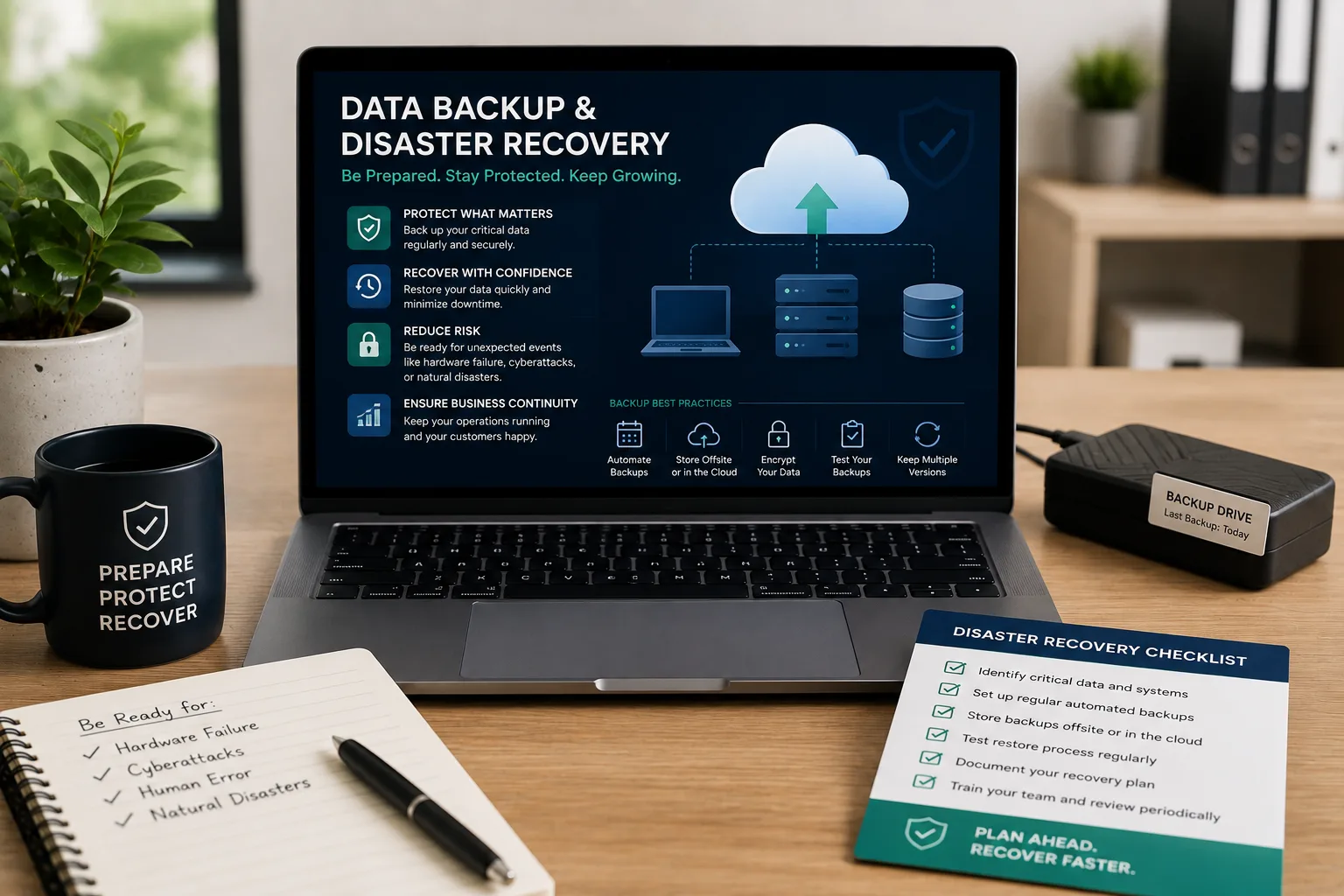
Most businesses don't think seriously about data backup until after they've lost something important — a crashed laptop with the only copy of a client database, a corrupted spreadsheet with months of financial records, a hacked system with no clean backup to restore from. By then, the cost of not having a proper backup strategy becomes painfully clear, often in the form of lost time, lost money, and sometimes lost customer trust.
Data backup and disaster recovery don't require an enterprise-level budget — just a clear, consistently followed plan. Here's what every business should have in place.
Why This Matters More Than Businesses Realize
Data loss can happen in more ways than most people initially consider: hardware failure, accidental deletion, theft or loss of a device, ransomware or other cyberattacks, fire or physical damage, or simple human error. Any one of these can wipe out critical business data in moments — customer records, financial data, project files, website content — and without a proper backup, recovery may be partial, expensive, or simply impossible.
The Difference Between Backup and Disaster Recovery
These terms are often used interchangeably, but they describe different things:
- Backup refers to creating and storing copies of your data, so it can be restored if the original is lost or damaged
- Disaster recovery is the broader plan for how your business continues operating, or gets back up and running, after a significant disruption — of which having good backups is one essential component, alongside things like alternative access to systems and a clear response process
A business can have backups without a full disaster recovery plan, but a genuine disaster recovery plan always requires reliable backups as its foundation.
Backup Basics Every Business Should Have
1. Regular, Automated Backups
Manual backups are unreliable simply because they depend on someone remembering to do them consistently. Automated backups — running on a set schedule without requiring manual action — remove this human dependency and ensure backups actually happen.
2. The 3-2-1 Backup Rule
A widely used, practical guideline: keep 3 total copies of important data, on 2 different types of storage media, with 1 copy stored offsite (or in the cloud) away from your primary location. This protects against multiple failure scenarios simultaneously — a local hardware failure, a site-specific disaster, or a single storage medium failing.
3. Cloud Backup as the Offsite Component
Cloud storage provides a practical, cost-effective way to satisfy the offsite backup requirement, protecting against local disasters (fire, theft, flooding) that could destroy both your primary data and any backups stored at the same physical location.
4. Regular Testing of Backups
A backup that's never been tested is not a reliable backup — it's an assumption. Periodically restoring a backup (even a small test file) to confirm the process actually works prevents the nightmare scenario of discovering, during an actual emergency, that your backups were incomplete or corrupted.
5. Backup of All Critical Systems, Not Just Files
Beyond documents and spreadsheets, consider what else needs backing up: website content and databases, customer relationship management (CRM) data, accounting records, and any custom business software data — anything whose loss would meaningfully disrupt operations.
Building a Basic Disaster Recovery Plan
1. Identify Your Critical Systems and Data
Not everything carries equal weight — identifying which systems and data are truly critical to keeping the business running helps prioritize recovery efforts if multiple things are affected simultaneously.
2. Define Roles and Responsibilities
Knowing in advance who is responsible for what during a recovery effort — who initiates the response, who communicates with customers, who handles technical recovery — reduces confusion and delay when time genuinely matters.
3. Document the Recovery Process
A written, accessible plan — even a simple one — outlining the steps to take, who to contact, and where backups are stored, prevents critical knowledge from existing only in one person's head, which becomes a serious liability if that person is unavailable during an actual incident.
4. Set Realistic Recovery Expectations
Understanding how quickly critical systems genuinely need to be restored, and how much data loss (if any) is acceptable in a worst-case scenario, helps shape practical decisions about backup frequency and recovery investment.
5. Review and Update the Plan Periodically
As a business grows and systems change, a disaster recovery plan that hasn't been updated in years may no longer reflect actual current operations — periodic review keeps it genuinely useful rather than outdated.
Common Mistakes Businesses Make
- Relying on a single backup location, leaving no protection if that location is compromised
- Never testing backups, discovering problems only during an actual emergency
- Backing up files but not full systems — like website databases or business software configurations
- No documented plan, relying entirely on one person's knowledge of how to respond
- Infrequent backup schedules that leave significant gaps in what can actually be recovered
A Realistic Starting Point for Small Businesses
Even without a comprehensive disaster recovery program, small businesses can meaningfully reduce their risk by:
- Setting up automated cloud backups for critical files and systems
- Testing the restore process at least periodically to confirm it works
- Documenting a simple, written response plan — even a single page covering the essentials
- Reviewing and updating this plan roughly once a year, or after any significant business change
Protect Your Business Data With Blessedave Technologies
At Blessedave Technologies, we help Kenyan businesses set up reliable, automated backup systems and basic disaster recovery planning — protecting critical data and systems from the range of risks that can otherwise threaten a business overnight.
Talk to us about protecting your business data at blessedavetechnologies.com.